
News ·
See who has paid, without reading a label
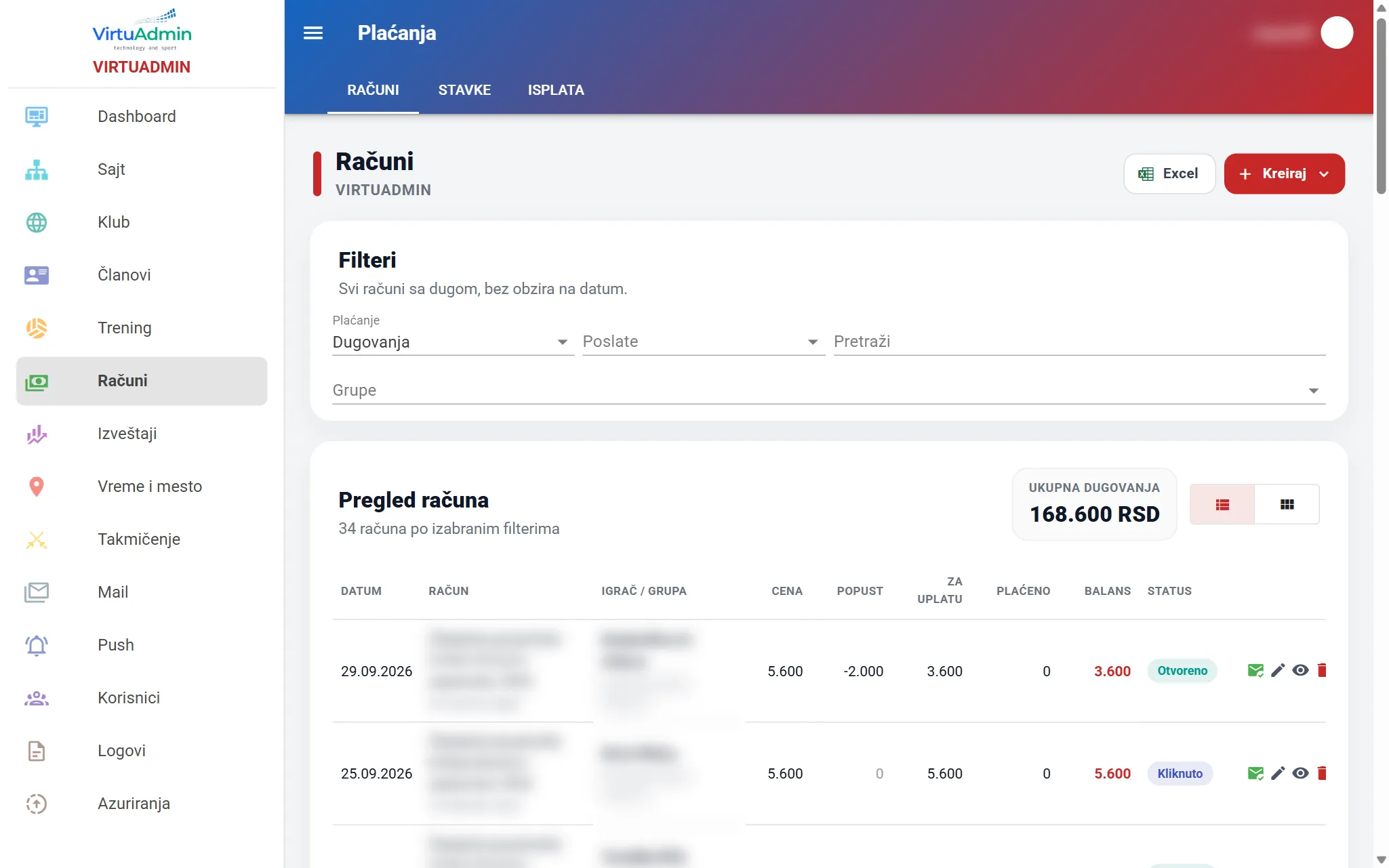
The office should not have to read a sentence next to every bill. While they scroll the fees, the number itself says the status. Red means they still owe. Blue means the bill is settled. Orange means they paid more than they should.
- Debt is red
- Paid is blue
- Overpayment is orange
- View by player
On the list
Three colours, and you know who to call
The words “paid” and “unpaid” no longer sit under every amount. Colour and a small icon do that job, in the table and on the phone cards.
- A red balance. Something is still owed. That bill is waiting for a payment.
- A blue payment. The bill is closed, and a check mark sits next to the amount that arrived.
- An orange plus. The parent paid too much. The surplus shows at once, and can move to next month.
- View by player. Pick an active player and every bill of theirs is there, from the first to the last. The date range steps aside, because this is their history, not one month. You can keep everything, or only debt, paid or overpayment.
Less reading, a faster pass
At the start of the month the list has dozens of bills. You are not hunting for a sentence. The eye stops on red.
The same language on a phone
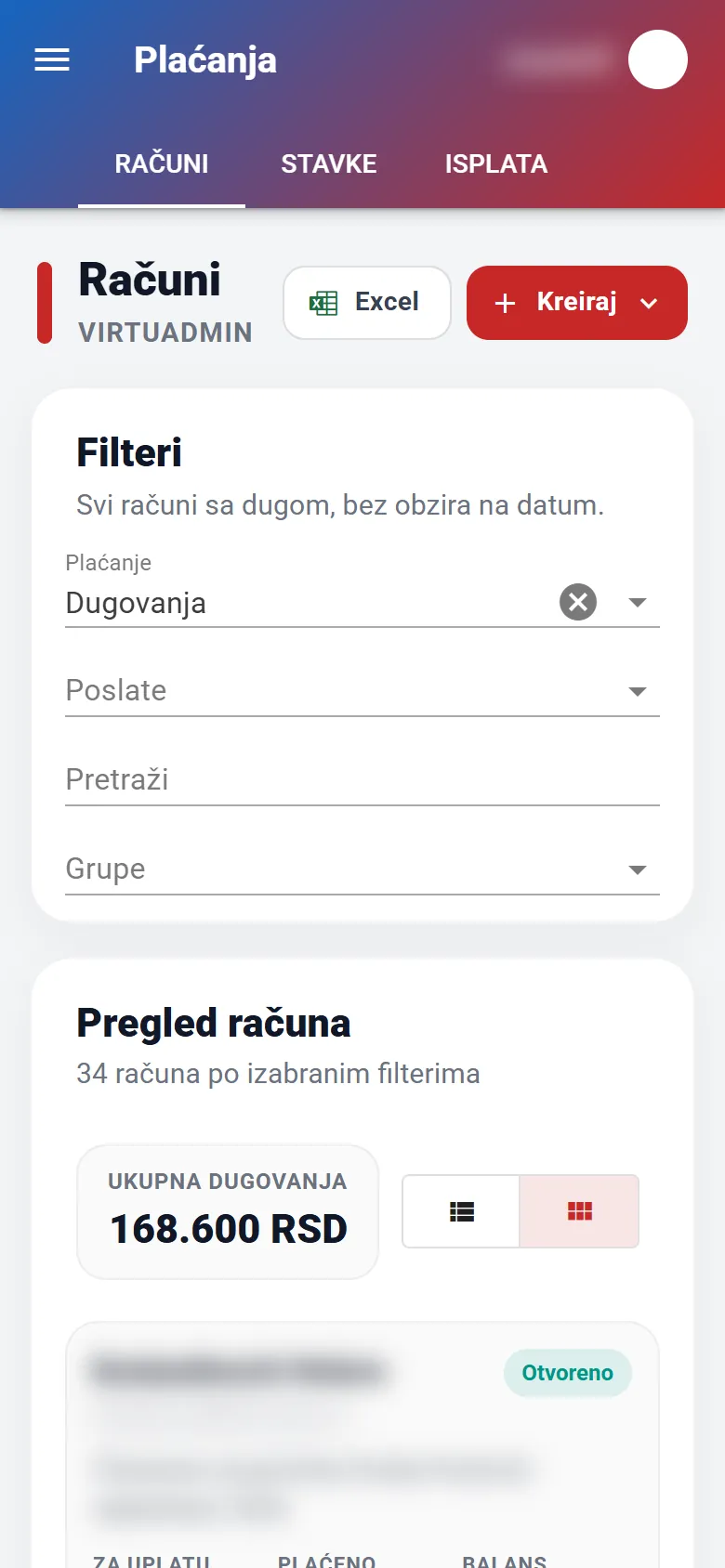
Switch the list to cards and the colours stay. Debt, paid and overpayment look the same as in the table.
One player, every bill
When a parent asks what is left, you do not scroll through months. Pick the player and the history is there, in the same colours as the full list.
What is VirtuAdmin? Software for running a sports club online: members, training and attendance, membership fees, competitions, a parent portal and a mobile app, all in one place. New features like this reach every club on their own, with no installation and no work for the club. See all features